Secure Conference Access Before the Speaker Signs
Accessible STEM keynotes begin at the invitation agreement. Before a speaker confirms an appearance, the organizer can assign responsibility, reserve production resources, and commit to the infrastructure that makes participation possible. That negotiation establishes the conditions for the session.
A reactive accommodation process transfers this work to disabled attendees. Researchers must identify barriers, navigate request forms, and sometimes disclose diagnostic details to a volunteer committee before knowing whether they can participate. Late registration adds another obstacle when accommodation deadlines have already passed.
The speaker rider changes who carries that burden. Human captioning, accessible stage routes, advance materials, and amplified discussion become baseline production requirements. Attendees can then request individual adjustments on top of an established access foundation.
Speakers and panelists hold their strongest negotiating position before accepting an invitation and before the program announcement. An agreement to appear has immediate value to the organizer. Tying confirmation to specific access deliverables makes those deliverables part of programming, venue selection, and audiovisual procurement.
The practical move is early commitment: send the accessibility rider alongside honorarium, travel, recording, and publication terms. Assign each requirement an owner and a delivery date before signing.
Turn the Accessibility Rider Into Production Requirements
A promise to make a conference “welcoming” gives a production team little to execute. A rider specifying caption delivery, interpreter placement, stage access, and verification creates an actionable agreement. Each clause should identify the service, the responsible organizer, the deadline, and the response if the requirement remains unmet.
Specify Captioning, Interpretation, and Stage Access
- Human-generated CART: require Communication Access Realtime Translation throughout the presentation and audience discussion. Specify how attendees will access captions and require a rehearsal using the session’s technical vocabulary.
- Sign language interpretation: require certified interpreters working in the language needed for the session, with team coverage, clear sightlines, appropriate lighting, and access to preparation materials.
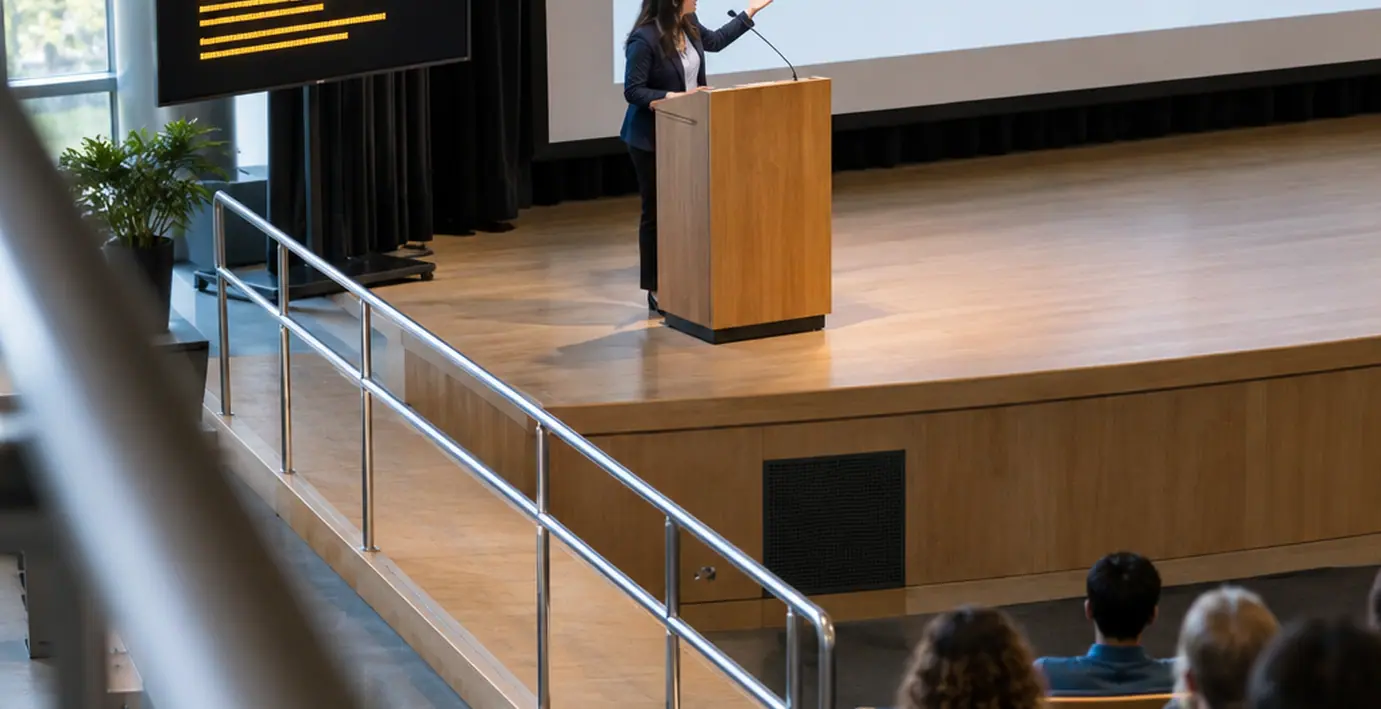
- Accessible stage route: specify a ramp with a 1:12 slope, unobstructed access, and adequate maneuvering space around the lectern, seating, and presentation equipment. Include the route in the venue inspection.
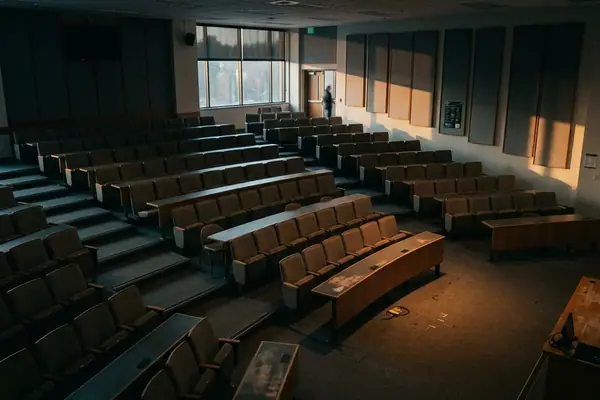
Where preservation covenants prevent structural changes in a historic university auditorium, the rider should trigger a floor-level presentation layout that places every panelist on the same accessible plane.
Attach Verification to the Event Timeline
- Before confirmation: require a venue access audit covering entrances, stage routes, seating, restrooms, assistive listening, and emergency circulation. Name the organizer responsible for resolving identified barriers.
- During production planning: confirm captioners, interpreters, microphone routing, and a low-sensory quiet room near the session. Specify dimmable, non-fluorescent lighting and signage that makes the room easy to locate.
- Before attendee arrival: distribute the fragrance-free policy 21 to 30 days before opening remarks. Include it in registration communications and reminders.
- At technical rehearsal: inspect the accessible route, test caption visibility and listening equipment, and verify that staff can direct attendees to the quiet room.
When organizers raise budget or scheduling objections, keep the discussion attached to production decisions: who books the service, which room supports it, and when verification occurs. The agreement should specify escalation and the speaker’s right to postpone or withdraw if essential access conditions remain unmet. Treat physical and cognitive access with the same operational seriousness as sound, lighting, and room availability.
Build Slides That Survive Beyond the Projector
Readable slides and spoken descriptions serve different access needs. A high-contrast architecture diagram supports visual inspection; a concise explanation of its components and relationships makes the same argument available through audio. A strong presentation plans both channels together.
Set a Readable Visual Baseline
Use sans-serif body text at a minimum of 24 points and headings at a minimum of 36 points. Keep each slide to a maximum of 35 words, moving extended explanations into accessible notes. Split dense computing schematics into successive views that preserve the relationship between each component and the overall system.
The WCAG 2.2 Level AAA contrast ratio requirements specify at least 7:1 for normal text and 4.5:1 for large text. Set 7:1 as the deck-wide text target for dark auditoriums, then check the projected deck during rehearsal.
Encode meaning through labels, patterns, and shapes as well as color. An algorithmic bias audit chart can identify groups directly and distinguish series with line styles. An architecture diagram can label processing stages and use different node shapes for storage, computation, and decision outputs.
Script the Information Carried by the Visual
Open with a brief self-description that helps attendees identify the speaker. During the talk, introduce each significant visual before interpreting it. For a computing pipeline, name the input, the processing stages, the direction of data movement, and the output. For an equity chart, explain the axes and the relationship that supports the argument.
Descriptions should carry the reasoning. Reading every label in isolation makes a complex schematic harder to follow.
Automated speech recognition can turn terms such as “idempotency” and “Kullback-Leibler divergence” into misleading captions. Human CART providers and interpreters can prepare for that vocabulary when they receive the finalized deck, notes, and a phonetic glossary at least 72 hours before the session. Include acronym expansions and the names of algorithms that recur throughout the talk.
Make Every Panel Contribution Traceable and Audible
Cross-talk breaks attribution. A technically precise answer loses value when attendees cannot determine who delivered it or when overlapping voices disrupt captioning and interpretation. The moderator needs an explicit turn-taking protocol before the panel begins.
Each contributor states their name before speaking. The moderator allows a 2-to-3-second pause between speakers, names the next contributor, and interrupts overlapping exchanges. These practices help blind, low-vision, and caption-reliant attendees track the discussion.
Run a Shared Question Queue
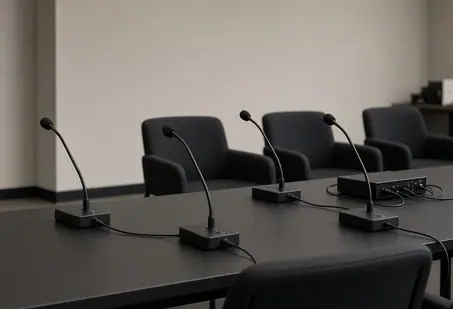
Offer a moderated digital submission channel alongside roving microphone runners. Both channels should feed the same queue so attendees can submit questions without racing to an aisle microphone. The moderator can identify the question’s topic and direct it to a named panelist.
Assign responsibility for monitoring digital submissions, carrying microphones, and tracking questions. Brief runners on accessible routes and on waiting until a microphone is live before inviting speech.
Amplification has no exceptions. Every audience question, panelist remark, and moderator intervention passes through a live microphone connected to the room’s assistive listening system and remote stream. A claim that someone can “speak loudly” changes nothing: the microphone supplies the audio path used by captioners, listeners, and remote participants.
Rehearse the interruption itself. The moderator should pause an unamplified contribution, have the microphone delivered, and ask for the contribution to restart.
Publish Accessible Materials Before and After the Session
Advance distribution gives attendees control over text size, reading order, and navigation. Publish semantic HTML or PDF/UA-compliant tagged slides 24 to 48 hours before the session, using a stable location communicated through the event’s access information.
Test the actual distributed files with a screen reader. Check heading structure, logical reading order, descriptive links, and text alternatives for architecture diagrams. Put substantive explanations in accessible text so attendees using refreshable Braille displays or magnification can follow the argument independently of the projection.
Make the Recording Ready for Reuse
Build a 5-to-7-business-day remediation period into the publication schedule. Correct technical terminology in the CART transcript, resolve timestamp drift, and synchronize an edited WebVTT caption track with the recording. Create a readable transcript with speaker attribution and meaningful section headings.
Review the recording for visual information that the spoken presentation leaves implicit. Add an extended audio-description track explaining those diagrams, demonstrations, or gestures before public release. Check the finished player, captions, transcript, and downloadable materials together.
Before accepting the next speaking invitation, attach a one-page accessibility rider requiring human CART, advance slide distribution, and amplified Q&A as conditions of confirmation.